 Todoist vs TickTick
: which to-do app fits how you work?
Short answer: pick Todoist if you want the fastest capture and the most integrations. Pick TickTick if you want a calendar, focus timer and habit tracker in one cheaper app. Every price and limit below comes from their own sites, checked October 29, 2026.
Todoist or TickTick? It depends on what you do all day.
Pick Todoist if
- You capture tasks all day and want it to take two seconds
- Your work lives in Slack, Jira, Gmail or Teams and you want tasks to flow in
- You share projects with a team
Pick TickTick if
- You want a calendar, focus timer and habit tracker without extra apps
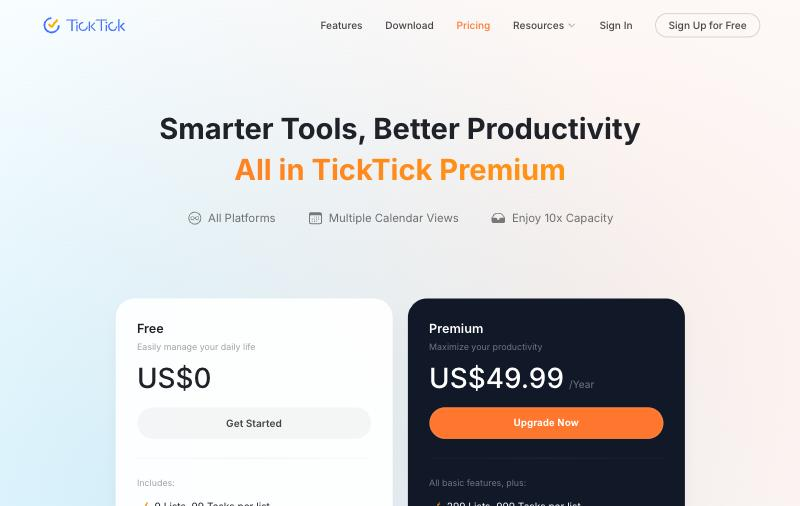
- You want the lower price: $49.99 a year vs $60
- You plan visually, by dragging tasks across a week
Todoist vs TickTick: features, limits and pricing
Checked against todoist.com and ticktick.com on October 29, 2026. Where one does something better, we say so.
| Feature | Todoist | TickTick |
|---|---|---|
| Free plan | Yes. 5 projects, 3 filters, 1 week of history | Yes. 9 lists, 99 tasks per list, 2 reminders per task |
| Paid plan | Pro: $5/mo billed yearly ($60) or $7 monthly | Premium: $49.99 a year (no monthly price on the web) |
| Team plan | Business: $8/user/mo yearly, $10 monthly | Shared lists, up to 29 members on Premium |
| Calendar view | Pro and Business only | Basic on Free, full on Premium |
| Task duration for time blocking | Pro only | Premium only |
| Calendar sync | Google or Outlook; tasks appear on a Todoist calendar | Subscribe Google, Outlook or iCloud calendars into TickTick |
| Pomodoro focus timer | Not built in; via integrations | Built in |
| Habit tracker | Via an extension | Built in (5 habits free) |
| Eisenhower matrix | Set up with filters | Built in |
| Natural language input | Yes | Yes |
| AI features | Todoist Assist: voice and photo capture, task breakdown | AI assistant and voice capture |
| Integrations | 90+ listed | A handful, incl. calendar subscriptions and Notion |
| Platforms | Web, Windows, Mac, Linux, iOS, Android, Apple Watch, Wear OS | Web, Windows, Mac, Linux, iOS, Android |
| Warns when your day is overbooked | Not listed | Not listed |
| G2 rating | 4.5/5 (835 reviews) | 4.5/5 (114 reviews) |
| Capterra rating | 4.6/5 (2,664 reviews) | 4.7/5 (129 reviews) |
Prices in USD. Sources: Todoist pricing, TickTick pricing, TickTick features, Todoist time blocking help, G2 Todoist, G2 TickTick, Capterra Todoist, Capterra TickTick. Spot something out of date? Tell us at hello@cupkey.io.
Which is better for capturing and organizing tasks?
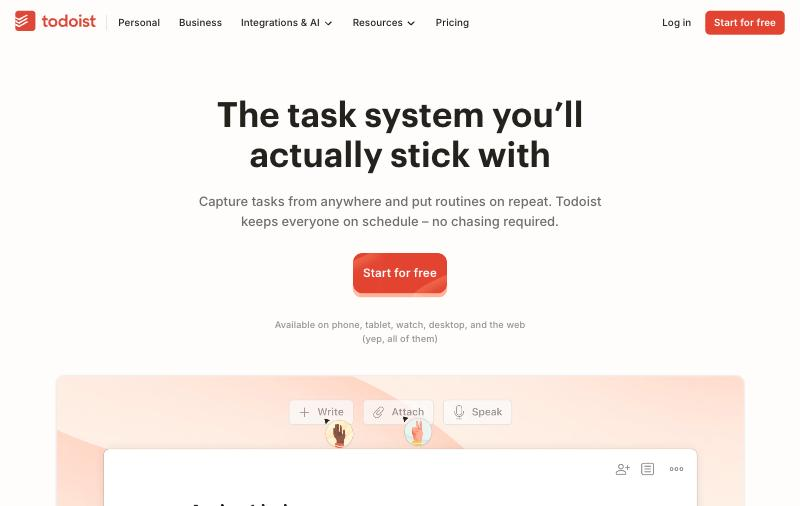
Todoist, by a small margin. Its quick add reads plain sentences like “send the invoice every Friday at 4pm #Finance” and fills in the date, repeat and project. Todoist Assist adds voice capture (Ramble) and can pull tasks from a photo or a note. Filters and labels let you slice a big list a hundred ways on Pro.
TickTick reads natural language too, and its “constant reminder” keeps nagging until you tick a task off, which helps if you ignore notifications. Where TickTick pulls ahead is everything around the list: a Pomodoro timer, a habit tracker and an Eisenhower matrix come built in. In Todoist you get those through filters, an extension or another app.
Which is better for time blocking?
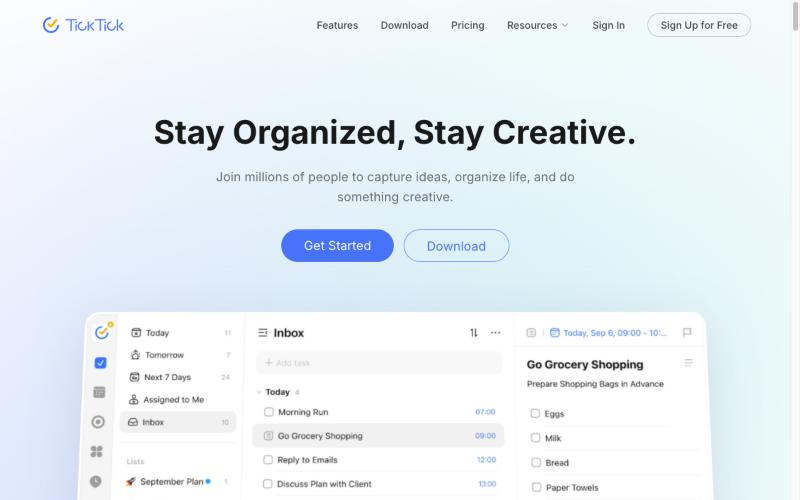
TickTick, for most people. It has year, month, week, day and multi-week views plus a timeline where task bars stretch with their duration. You get a basic calendar view free. Full views and task duration need Premium.
Todoist added a proper calendar in Today and Upcoming. You drag a task into a slot and it gets 30 minutes by default, or you type “tomorrow at 10am for 25 minutes.” Since October 2026 you can set a duration without a date and drop it in later. All of this needs Pro: the free plan has no calendar layout and no task duration. Todoist shows your Google or Outlook events read-only and puts your timed tasks on a separate Todoist calendar.
Neither app adds up your blocks and warns you when they pass the hours you have left. You can drag nine hours of tasks into a day with five free hours, and both will let you.
Is TickTick cheaper than Todoist?
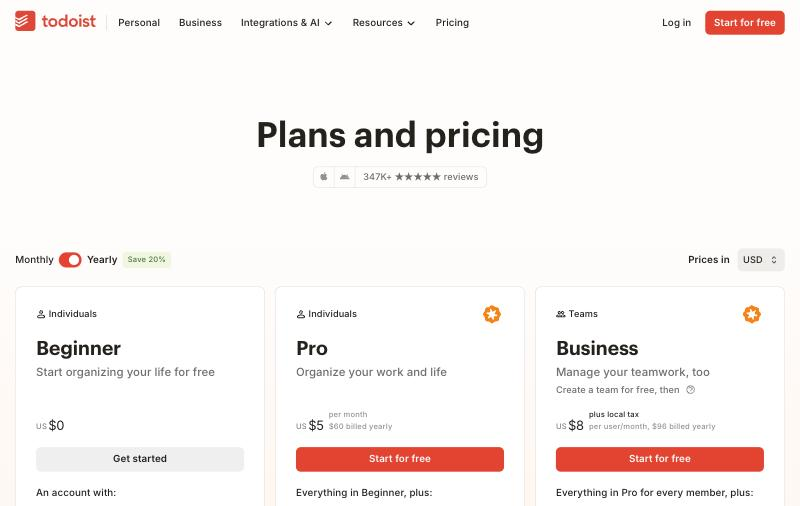
Yes, a little. TickTick Premium is $49.99 a year. Todoist Pro is $60 a year ($5 a month billed yearly) or $7 month to month. Todoist raised Pro on December 10, 2025, so older comparisons that quote $4 a month are out of date.
The free plans differ in shape. Todoist Free gives you 5 projects and 3 filters, with no calendar layout. TickTick Free gives you 9 lists with up to 99 tasks each, 2 reminders per task and a basic calendar. If you want to try time blocking without paying, TickTick’s free plan gets you further.
For teams, Todoist has a Business plan at $8 per user a month billed yearly ($10 monthly) with shared workspaces and roles. TickTick has shared lists, with up to 29 members per list on Premium, but no separate business plan on its pricing page.
Which is easier to use?
Todoist feels simpler on day one. It does one thing, lists, and hides the rest until you need it. TickTick shows more tools up front, so it can feel busy until you switch off the tabs you don’t use.
Reviewers like both. Todoist holds 4.5 on G2 from 835 reviews and 4.6 on Capterra from 2,664. TickTick holds 4.5 on G2 from 114 reviews and 4.7 on Capterra from 129. One Capterra reviewer called Todoist “my most highly recommended task-management/organizational app” (Nona P., May 2025).
Which has better integrations?
Todoist. Its pricing page lists 90+ integrations, including Slack, Microsoft Teams, Jira, Zendesk, Zapier and Google Calendar, plus connections for AI assistants. TickTick names few integrations beyond calendar subscriptions and Notion.
Both run on the web, Windows, Mac, Linux, iPhone and Android. Todoist also lists Apple Watch and Wear OS apps on its downloads page.
The right app for your situation
Todoist fits
- Managers and team leads sharing projects
- People whose tasks start in email, Slack or Jira
- Anyone who wants a clean list and nothing else
TickTick fits
- Students and solo workers on a budget
- People who want Pomodoro and habits in the same app
- Visual planners who drag tasks across a week
Or try Cupkey if you keep ending the day with tasks left
If your list isn’t the problem and your days are, a different kind of app helps.
A planner that knows when the day is full.
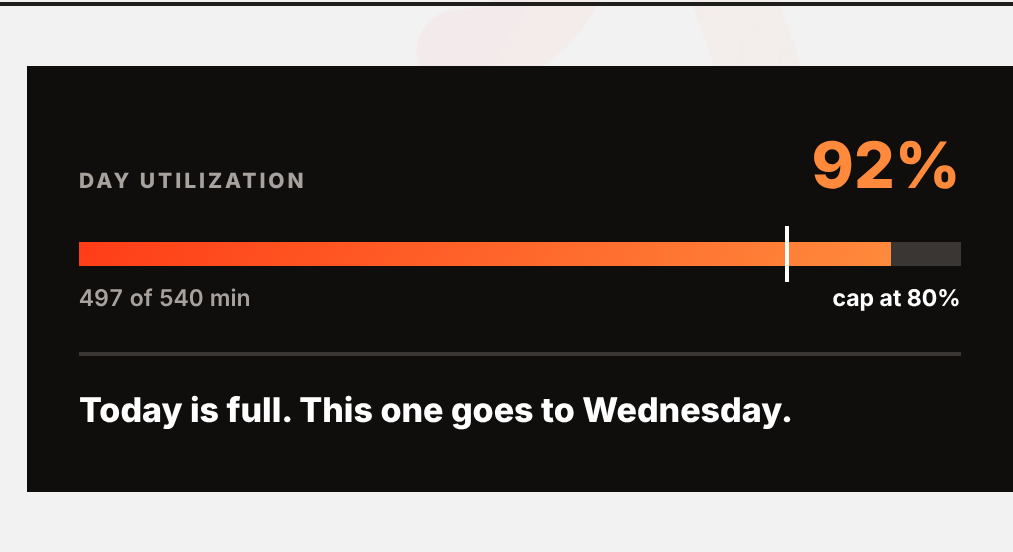
Todoist and TickTick hold as many tasks as you give them. Cupkey starts from your work hours, pulls in your Google or Outlook meetings, and drops each task into a real gap. At 80% of your free time it stops and moves the next task to a day where it fits.
- The full planner and the 80% cap are free, forever
- Fix my day re-plans the afternoon when you fall behind
- Estimate vs actual timing, a weekly timesheet, and Homer for your appraisal
Cupkey is the better fit if
- You work a 9-to-5 with meetings and your list never gets done
- You want to finish the day and leave on time
- You want a record of finished work for reviews and timesheets
Stay with Todoist or TickTick if
- You need shared team projects today
- You rely on dozens of integrations
- You mostly track errands, habits and someday ideas, not a work day
Todoist vs TickTick: common questions
Is TickTick better than Todoist?
It depends on what you need. TickTick is better if you want a calendar, Pomodoro timer and habit tracker in one cheaper app. Todoist is better for fast task capture, 90+ integrations and team projects.
Is TickTick cheaper than Todoist?
Yes. TickTick Premium is $49.99 a year. Todoist Pro is $60 a year ($5 a month billed yearly) or $7 a month billed monthly, as of October 2026.
Which free plan is better, Todoist or TickTick?
TickTick Free gives you 9 lists with up to 99 tasks each and a basic calendar view. Todoist Free gives you 5 projects and 3 filters but no calendar layout. For free time blocking, TickTick goes further.
Can you time block in Todoist?
Yes, on Pro and Business. You drag tasks into the day or week calendar, or type a time and duration such as tomorrow at 10am for 25 minutes. The free plan has no calendar layout or task duration.
Does Todoist have a Pomodoro timer?
Not built in. Todoist points users to integrations such as Toggl Track. TickTick has a Pomodoro focus timer built in.
Do Todoist or TickTick warn you when your day is overbooked?
Neither lists a feature that totals your planned time and warns you when it passes your free hours. Cupkey does this by default: it stops at 80% of your real free time.
Plan the day you actually have. Then finish it.
Free forever. Google and Outlook. Set up in four minutes.